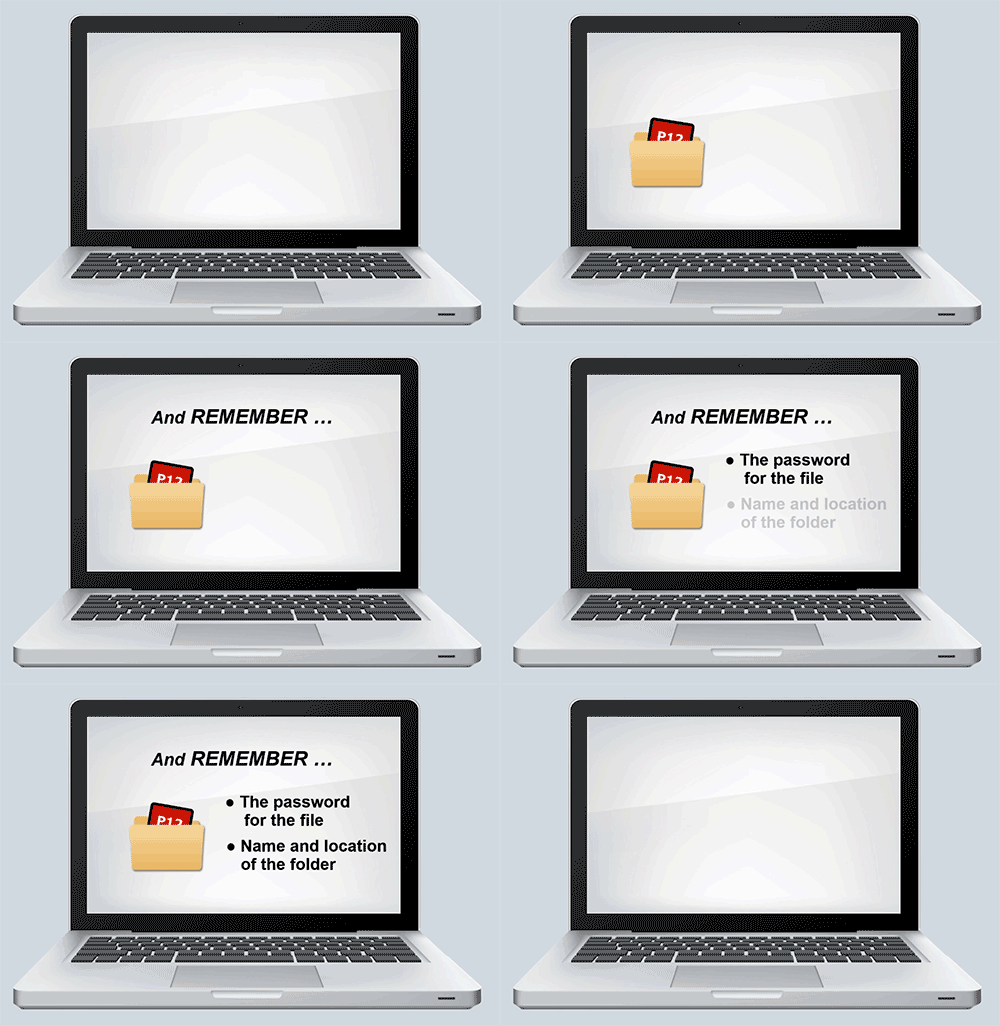




Save the P12 File
This step will download and save the P12 file
to a folder on your computer.

To developer:
When you click this, the back-end process downloads the P12 file -- either to the user's "Downloads' folder, or it opens the familiar "Save As" dialog box -- depending on the user's browser "Download location" setting.




Back to START.


Previous page

Next page

This either goes into your Downloads folder or asks you where to save it, depending on your browser's "Download" setting.